Annual Report Production Strategy & Editorial Design
End-to-end ownership of layout and visual systems for a high-stakes executive publication, delivered by rapidly acquiring technical fluency.
The Brief
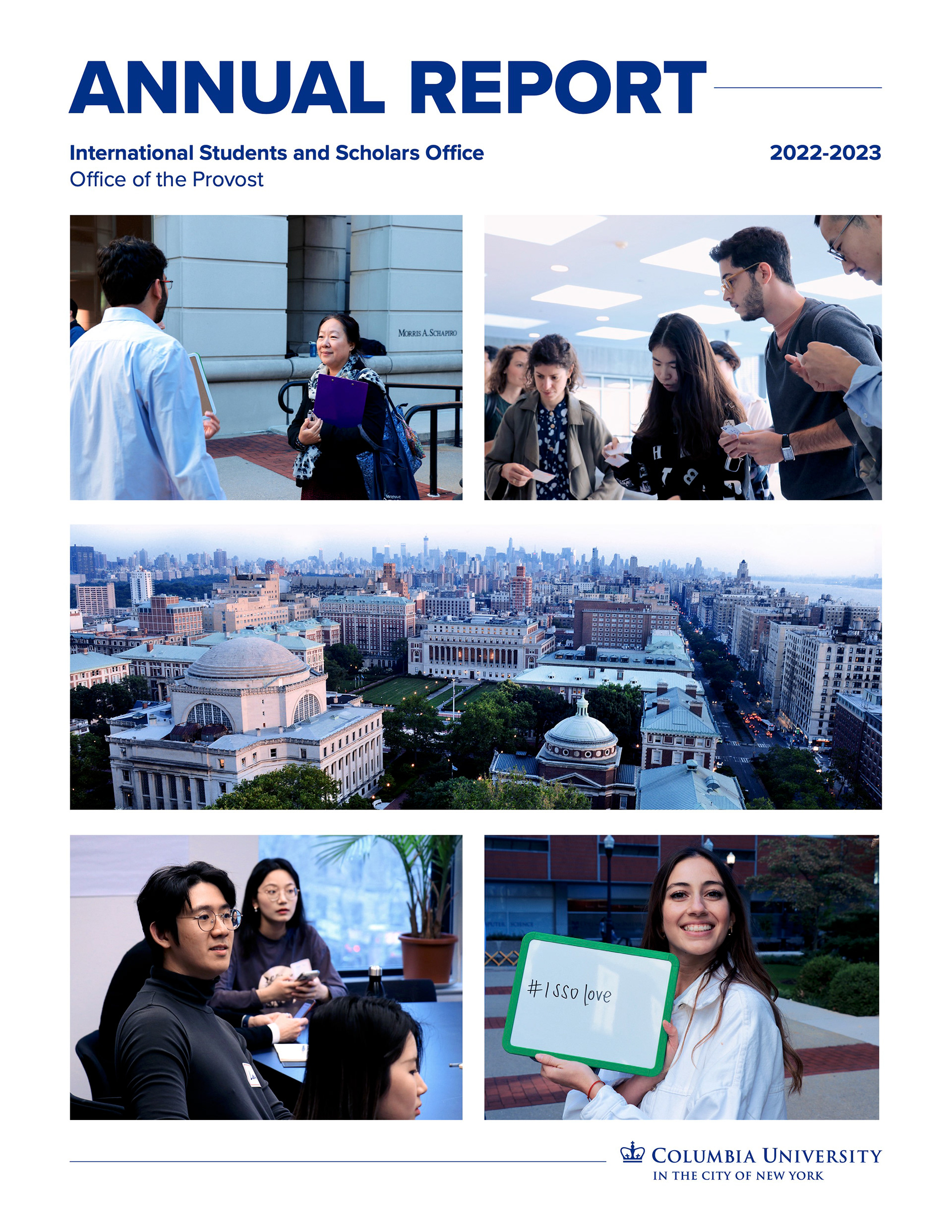
When an external vendor unexpectedly ghosted the department, and with the department under a high-pressure, 2-month deadline mandated by our Vice Provost, I stepped up to design the visual ecosystem, content architecture, and production framework for Columbia ISSO’s first Annual Report in over a decade. Despite having no prior experience owning a publication of this form and scale, and with zero legacy infrastructure in place, I taught myself Adobe InDesign on the fly to bridge the operational gap and keep the project moving.
The stakes were exceptionally high: our primary audience consisted of over 200 university executives, including Columbia's President and the Board of Trustees. While team liaisons drafted the raw data and client-specific narratives, I owned the structural layout, visual design, and editorial refinement. I took a chaotic, 200-page shared working document and compressed it into a polished, visually and narratively compelling 52-page print and digital publication.
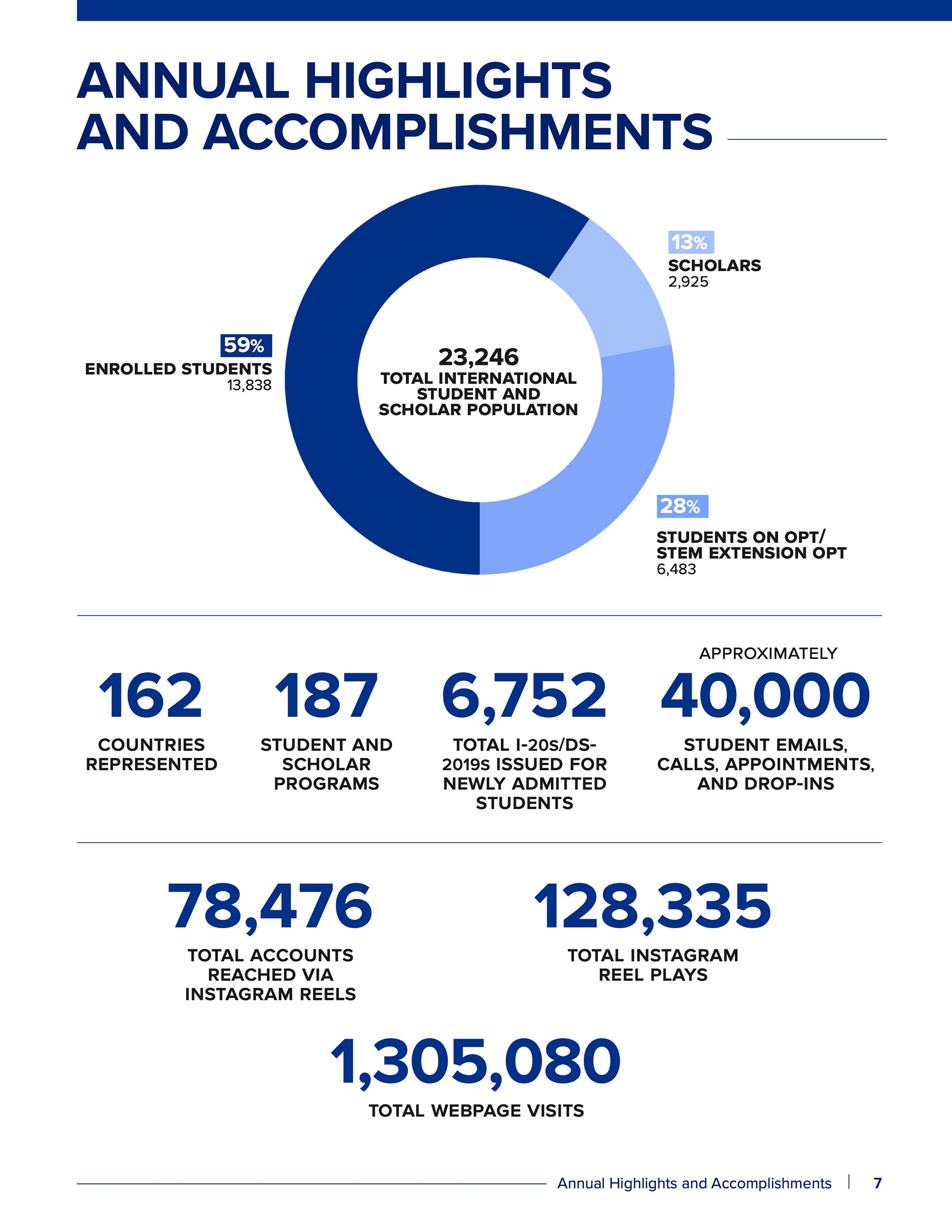
Rather than approaching this as a one-off content production, I built the report to function as long-term, reusable content infrastructure. I established a clean, reusable InDesign template from the ground up that was intuitive enough for future designers to easily navigate. To ensure complete visual alignment across the entire document, I also built a unified design style guide, a data visualization framework, and a master color-grading package in Photoshop. The result was a streamlined, repeatable workflow that the department successfully deployed again the following year (after my departure).
The stakes were exceptionally high: our primary audience consisted of over 200 university executives, including Columbia's President and the Board of Trustees. While team liaisons drafted the raw data and client-specific narratives, I owned the structural layout, visual design, and editorial refinement. I took a chaotic, 200-page shared working document and compressed it into a polished, visually and narratively compelling 52-page print and digital publication.
Rather than approaching this as a one-off content production, I built the report to function as long-term, reusable content infrastructure. I established a clean, reusable InDesign template from the ground up that was intuitive enough for future designers to easily navigate. To ensure complete visual alignment across the entire document, I also built a unified design style guide, a data visualization framework, and a master color-grading package in Photoshop. The result was a streamlined, repeatable workflow that the department successfully deployed again the following year (after my departure).
Strategy and Execution
Content Strategy & Editorial Refinement: Partnered with department leads to organize a massive influx of multi-author data. I mapped out the overall narrative flow, structured the page layouts for better scannability, and owned the headline copywriting to ensure dense information was highly digestible for executive readers and beyond, as this would also be featured on our website.
Rapid Iteration & Receptive Design: Managed an intensely fluid production cycle where content and design had to be built completely in parallel. Because the department had not produced a report in a decade, stakeholders were continuously adding, removing, and refining copy even after layouts were set, requiring real-time layout adaptations to accommodate shifting text constraints.
Feedback Loops & Creative Growth: Navigated an intense trial-and-error process as a first-time publication designer. I used executive critiques as rapid learning loops—actively pivoting away from my typical high-engagement, eye-catching visual instincts (which worked perfectly for student web tutorials) to instead embrace a more visually conservative, institutional aesthetic. I took every piece of feedback in stride, treating the high-stakes project as an opportunity to stretch my design boundaries.
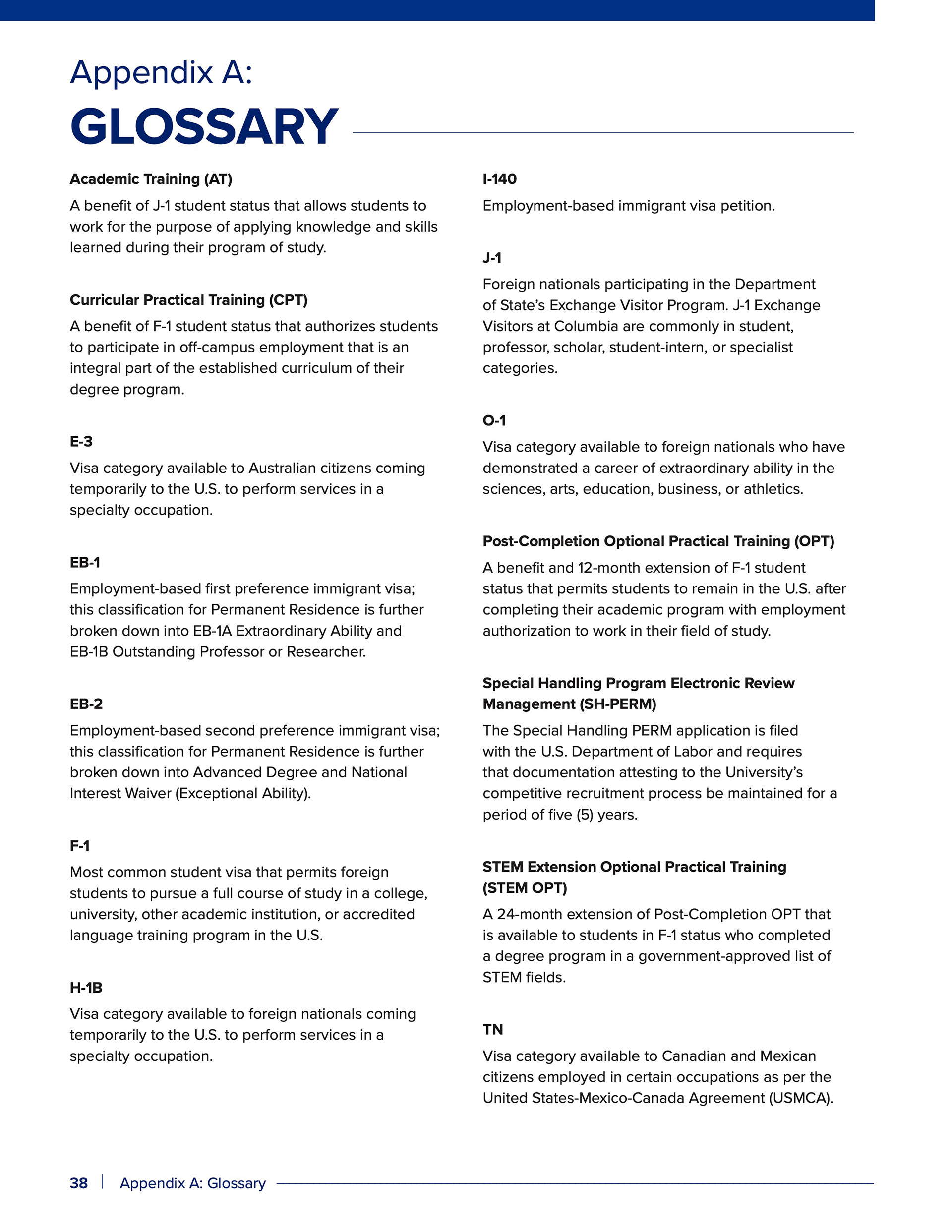
Design Systems Thinking: Developed an organized, modular layout template from scratch. I ran precise grid mathematics to calculate margins and consistent spacing, manually engineering a system of paragraph and character styles in InDesign to ensure typographic uniformity. By pairing this with a dedicated design style guide, a data visualization style guide, and a standardized brand color palette, I turned a one-off production crisis into a permanent internal asset that easily survived constant text updates and was ready for future teams to reuse.
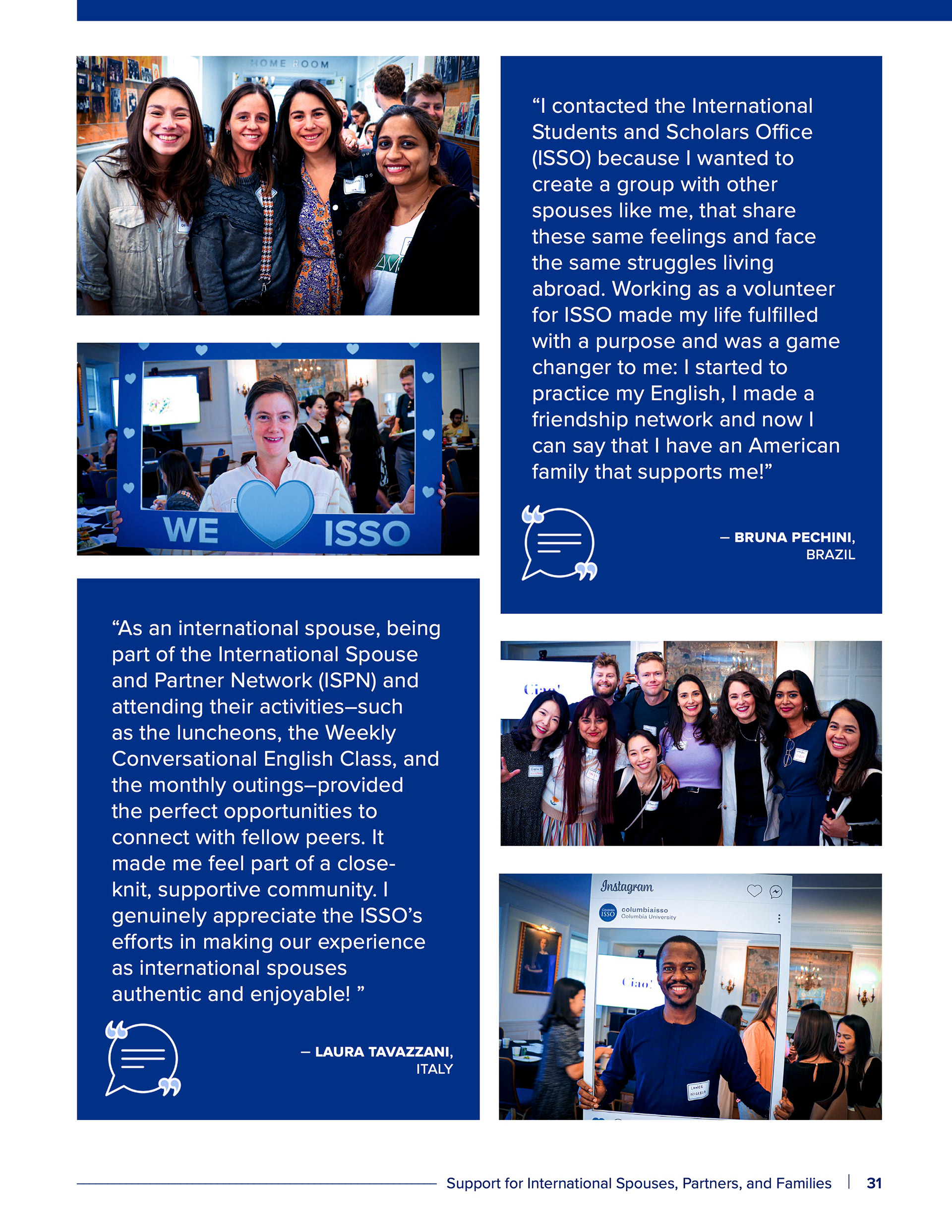
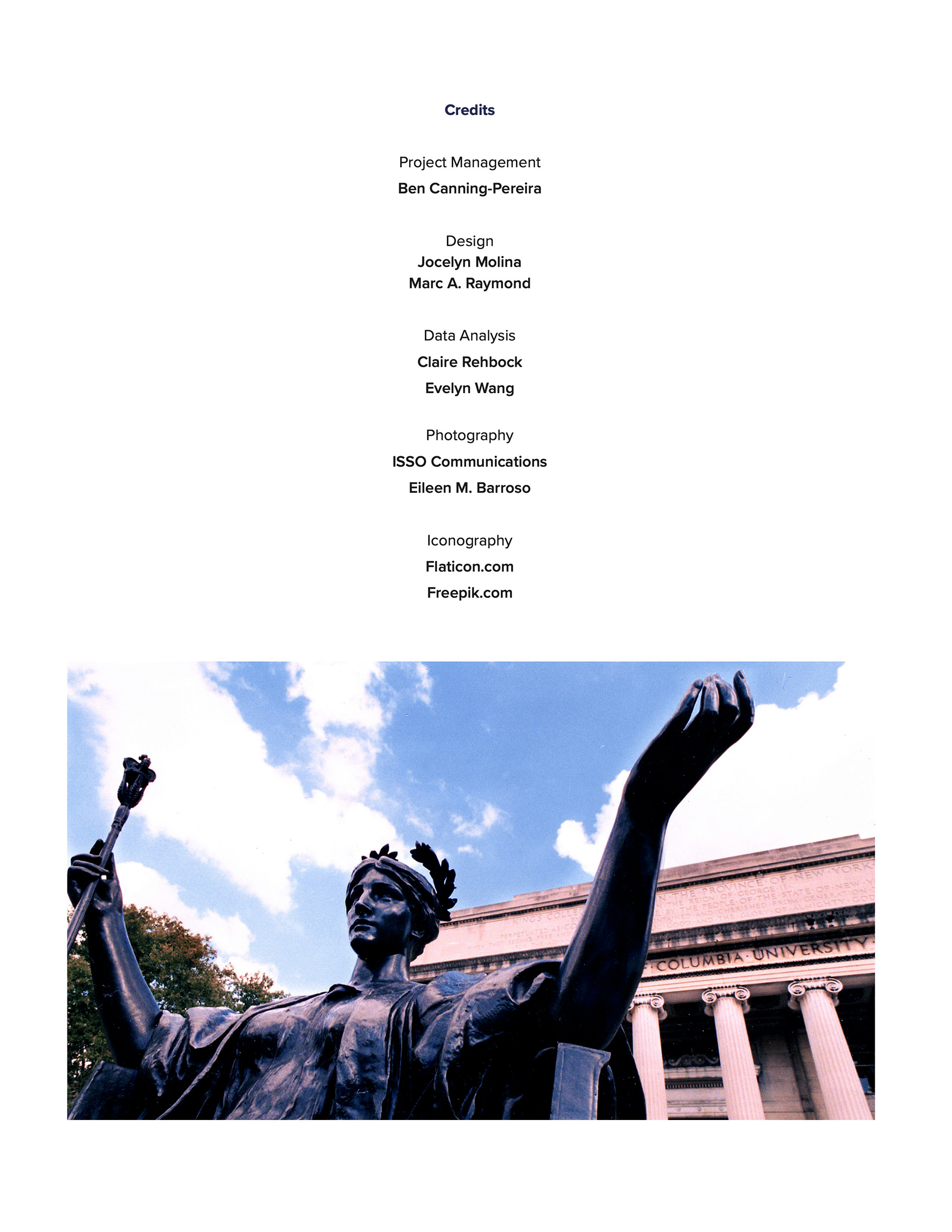
Visual Asset Pipeline: Engineered a dedicated photo processing workflow. Using custom adjustment layer groups in Adobe Photoshop, I standardized mismatched imagery from multiple teams into a unified color profile that perfectly matched both Columbia and our own sub-brand identity.
Tools Used: Adobe InDesign (End-to-End Book Assembly, Layout Design, Template File), Adobe Photoshop (Photo Color Grading, Icon Editing), Adobe Illustrator (Map), Canva (Data Visualization), Google Workspace (Cross-Functional Collaboration)
Rapid Iteration & Receptive Design: Managed an intensely fluid production cycle where content and design had to be built completely in parallel. Because the department had not produced a report in a decade, stakeholders were continuously adding, removing, and refining copy even after layouts were set, requiring real-time layout adaptations to accommodate shifting text constraints.
Feedback Loops & Creative Growth: Navigated an intense trial-and-error process as a first-time publication designer. I used executive critiques as rapid learning loops—actively pivoting away from my typical high-engagement, eye-catching visual instincts (which worked perfectly for student web tutorials) to instead embrace a more visually conservative, institutional aesthetic. I took every piece of feedback in stride, treating the high-stakes project as an opportunity to stretch my design boundaries.
Design Systems Thinking: Developed an organized, modular layout template from scratch. I ran precise grid mathematics to calculate margins and consistent spacing, manually engineering a system of paragraph and character styles in InDesign to ensure typographic uniformity. By pairing this with a dedicated design style guide, a data visualization style guide, and a standardized brand color palette, I turned a one-off production crisis into a permanent internal asset that easily survived constant text updates and was ready for future teams to reuse.
Visual Asset Pipeline: Engineered a dedicated photo processing workflow. Using custom adjustment layer groups in Adobe Photoshop, I standardized mismatched imagery from multiple teams into a unified color profile that perfectly matched both Columbia and our own sub-brand identity.
Tools Used: Adobe InDesign (End-to-End Book Assembly, Layout Design, Template File), Adobe Photoshop (Photo Color Grading, Icon Editing), Adobe Illustrator (Map), Canva (Data Visualization), Google Workspace (Cross-Functional Collaboration)
Preview