Website Navigator Video Tutorials
I created these Website Navigators to empower international students and scholars to confidently navigate Columbia’s ISSO website—a critical self-service hub for immigration, employment, tax, and compliance information. The goal was to reduce confusion, increase digital self-sufficiency, and improve the overall user experience for our international community.
Each video in the series guides viewers through specific sections of the website in order to achieve a learning objective: from applying for OPT or CPT, to understanding travel and visa procedures, to accessing post-arrival resources for scholars. I wrote the scripts with clarity and approachability in mind, focusing on real user questions and common pain points.
These videos, which were produced in 2020-2021, are (for the most part) fully animated, as a workaround to the limitations imposed by the COVID-19 crisis and the subsequent shift to remote work. For the videos that do contain b-roll, this b-roll was taken before the shift to remote work. While I did have some motion graphic experience, producing these fully-animated videos required rapidly and creatively expanding my motion graphic skillset.
Due to remote work constraints, these videos were true end-to-end productions. Based in Texas, I bought a microphone from Best Buy and learned audio-mixing in order to produce high-quality voiceovers. I also personally designed the graphics, ultimately creating reusable presentation templates and visual effect workflows (which you will see recur throughout these videos) in order to heighten the polish and dynamism of the mostly-screen-recorded content. This instructional flow was designed to mimic how a user might interact with the site in real time, helping them feel more confident using it on their own.
The videos currently live on the ISSO’s website and YouTube channel, providing 24/7 guidance for students and scholars as they navigate both Columbia’s administrative processes and U.S. immigration requirements.
These videos, which were produced in 2020-2021, are (for the most part) fully animated, as a workaround to the limitations imposed by the COVID-19 crisis and the subsequent shift to remote work. For the videos that do contain b-roll, this b-roll was taken before the shift to remote work. While I did have some motion graphic experience, producing these fully-animated videos required rapidly and creatively expanding my motion graphic skillset.
Due to remote work constraints, these videos were true end-to-end productions. Based in Texas, I bought a microphone from Best Buy and learned audio-mixing in order to produce high-quality voiceovers. I also personally designed the graphics, ultimately creating reusable presentation templates and visual effect workflows (which you will see recur throughout these videos) in order to heighten the polish and dynamism of the mostly-screen-recorded content. This instructional flow was designed to mimic how a user might interact with the site in real time, helping them feel more confident using it on their own.
The videos currently live on the ISSO’s website and YouTube channel, providing 24/7 guidance for students and scholars as they navigate both Columbia’s administrative processes and U.S. immigration requirements.
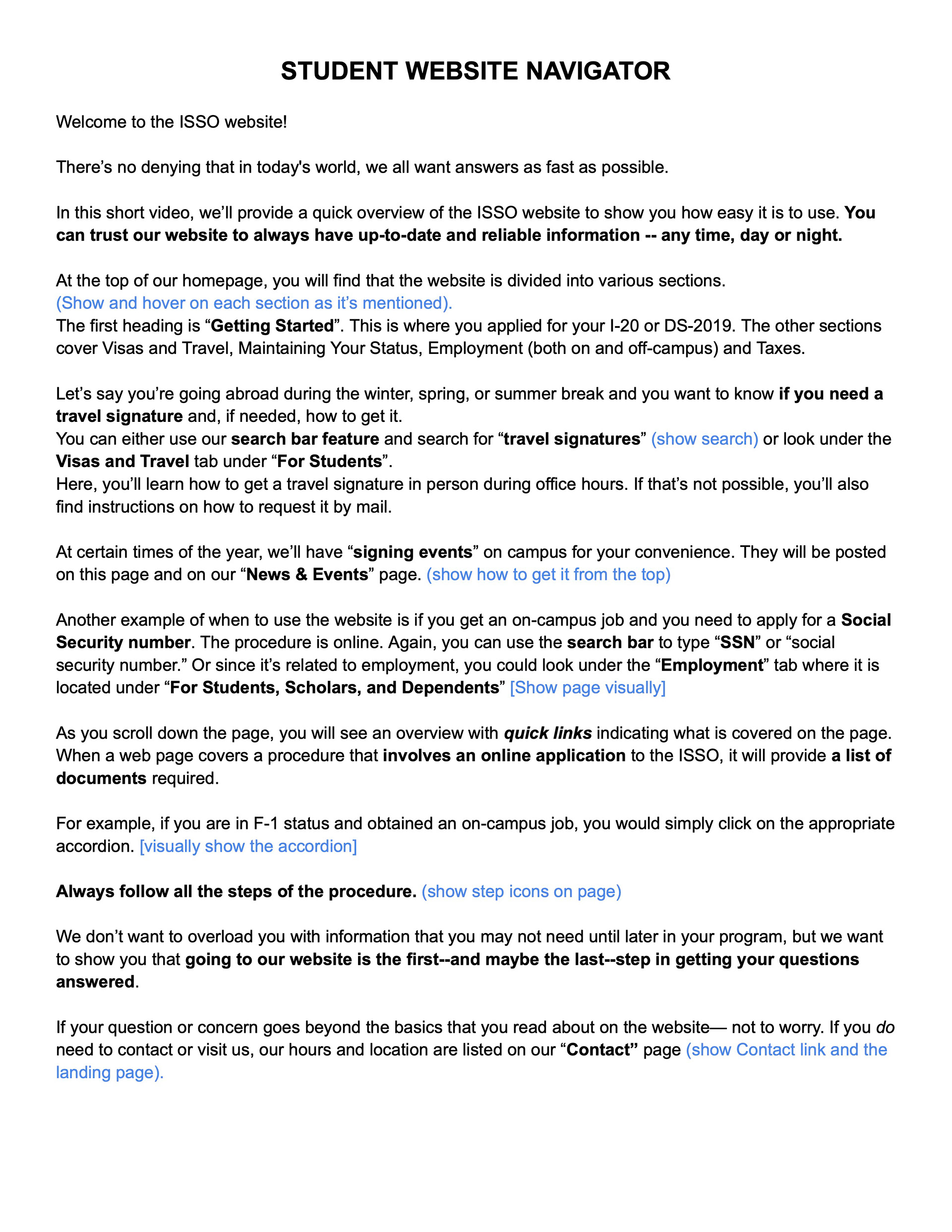
Student Website Navigator (2020)
Scholar Website Navigator (2020)
American Language Program (ALP): Reporting Your Arrival (2020)
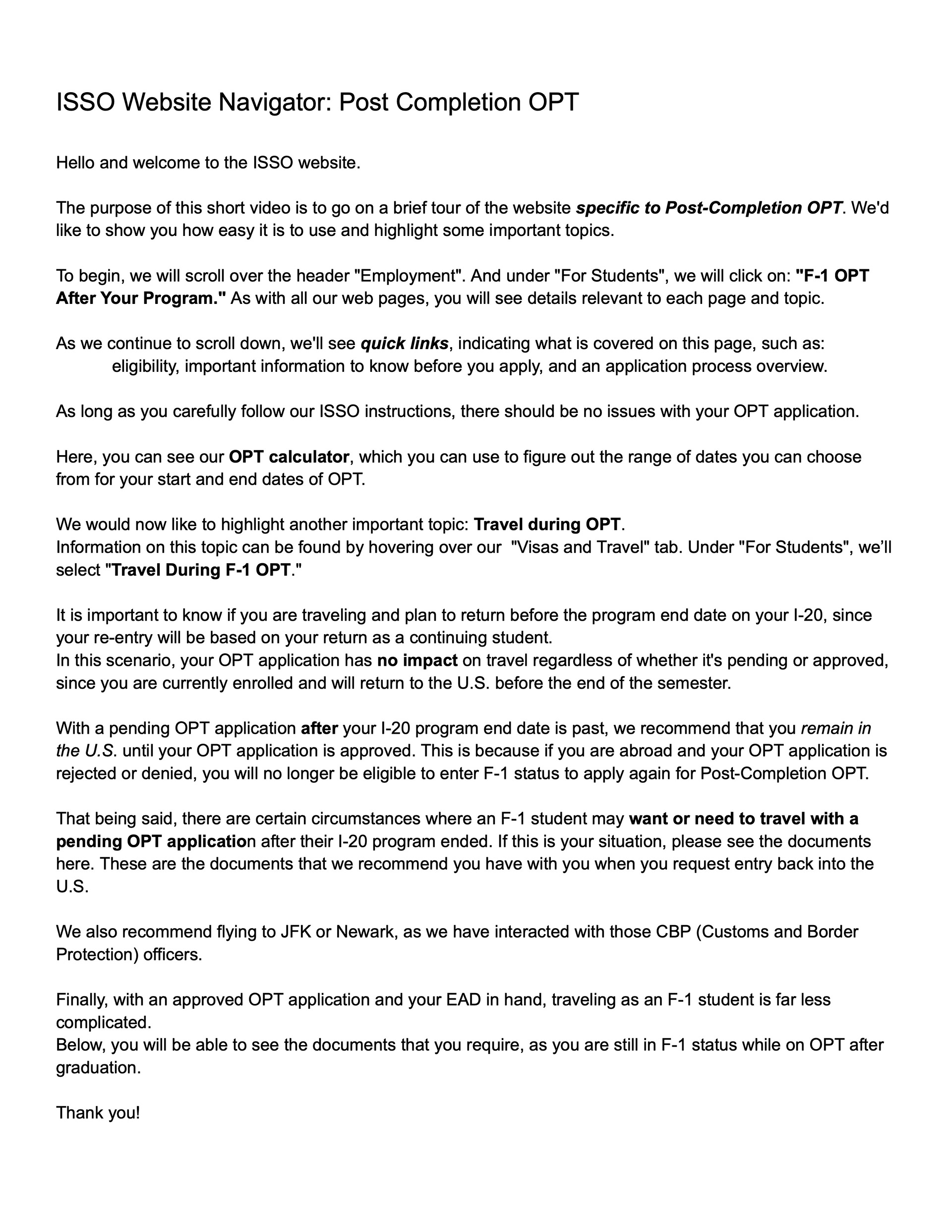
Website Navigator: Post-Completion OPT (2021)
I-765: Important Tips for OPT and STEM OPT Applications (2021)
CPT Overview and Website Navigator (2021)
Scripts




*Note: There is some crossover between 2 of these navigators and the "Start Here" series. What sets these apart from the other "Start Here" series videos, and why I chose to display them here and not the "Start Here" series page, is that these 2 videos: a.) rely exclusively on motion graphics and voice-over, and b.) their objectives are ultimately to instruct students on how to navigate the website to achieve an aim (in this case, applying for OPT-related processes). Therefore, these 2 videos are more similar to the other Website Navigators than they are to the other "Start Here" videos.